
Squircle
Give any image the corners of an app icon. Pick the iOS 26 shape, the classic squircle or a plain rounded rectangle, add a border or a shadow, and export a PNG.
 $1.99 · £1.99 · Buy once, no subscription
UpdatedNow with the iOS 26 icon shape
How it works
Square in, squircle out
App icons don't have ordinary rounded corners. Their curves ease gently into the straight edges, and iOS 26 changed the shape again. Squircle cuts any image to the real thing.
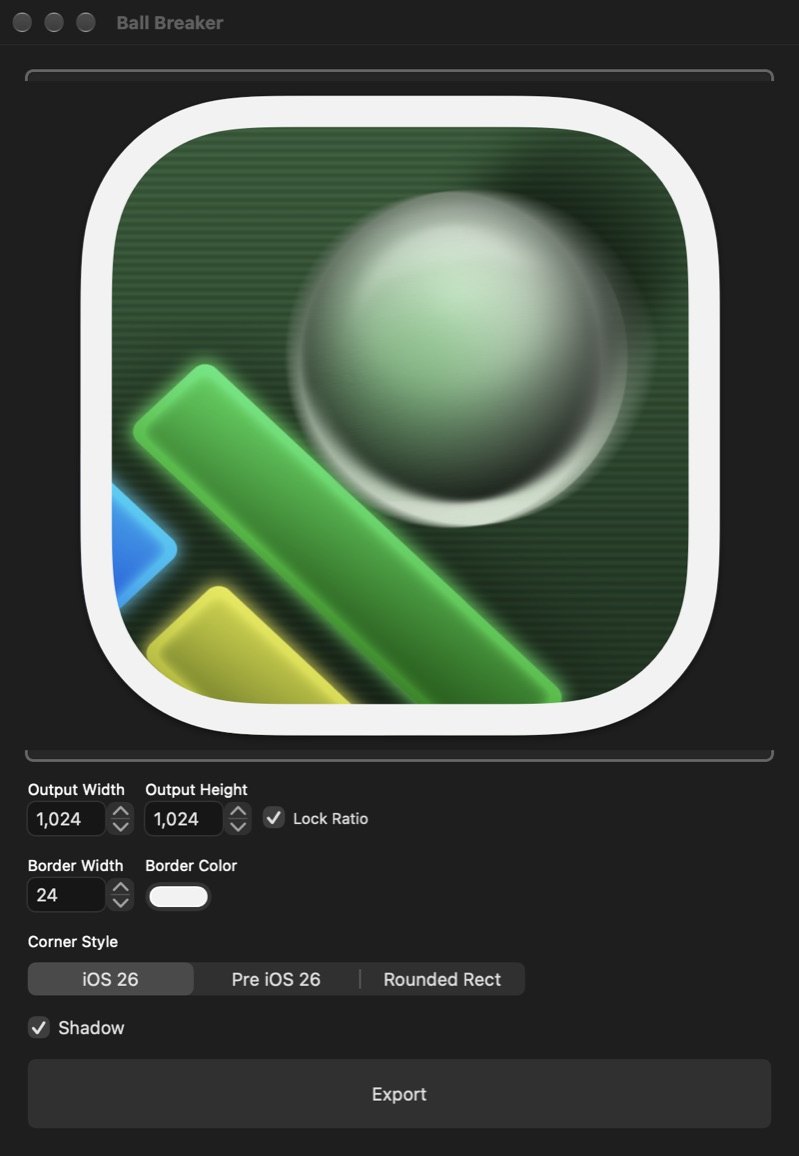


- Drop in an imageOr click the well to choose one. It's rounded straight away.
- Pick a corner styleThe iOS 26 shape, the classic squircle, or a plain rounded rectangle.
- Set the sizeType a width and the height follows, or unlock the ratio.
- Add a borderAny width, in any colour, following the curve of the corners.
- Add a shadowA soft drop shadow, with room made for it inside the image.
- ExportSave a PNG with transparent corners, and Finder shows you where.
Corner styles
Three ways round
The same picture, exported from Squircle in each style.

iOS 26The shape of app icons on iOS 26 and macOS 26 Tahoe, a little rounder than before. 
Pre iOS 26The squircle app icons used before iOS 26. 
Rounded RectA plain rounded rectangle, with circular corners.
Why not just round the corners?
A rounded rectangle joins a circular arc straight onto each edge, so the bend starts suddenly. App icon corners start curving further along the edge and bend gradually, which is what makes them look smooth.
The iOS 26 corner is a little rounder again. Next to real app icons the difference shows, so Squircle draws each shape exactly and your artwork matches the icons around it.
Borders and shadows
Finish it off
Borders follow the curve of the corners. The shadow is part of the PNG, with the picture made slightly smaller so the shadow fits.
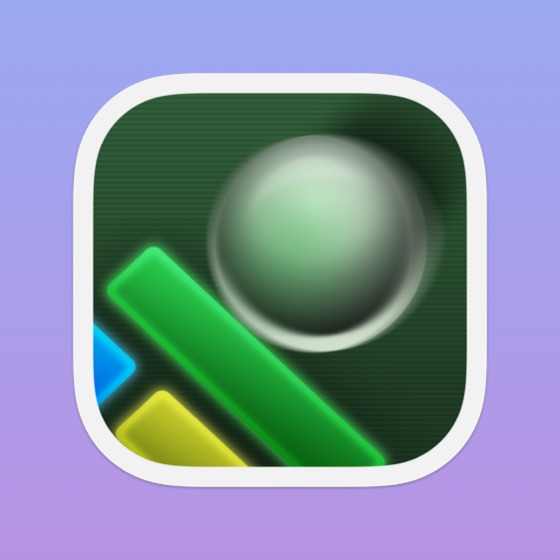
Ball BreakeriOS 26, white border, shadow 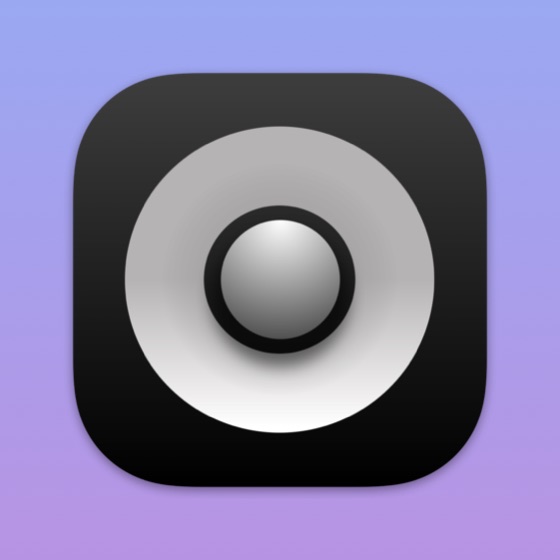
White NoiseiOS 26, shadow 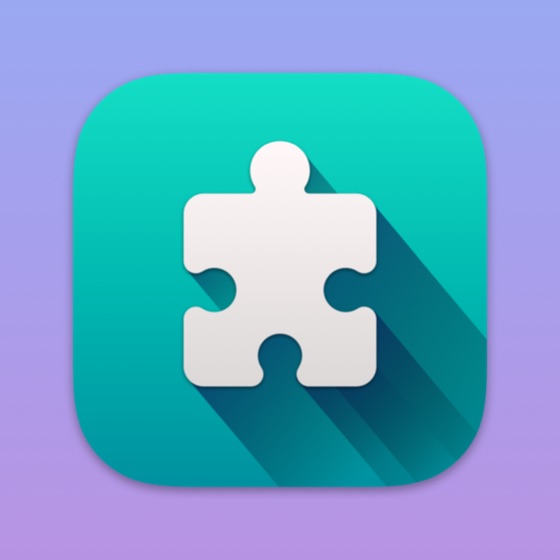
Puzzles DailyPre iOS 26, shadow 
Smart Sleep TimerRounded Rect, gold border
Features
Does one thing, properly
- Real app icon cornersThe iOS 26 shape, the classic squircle from before it, or a plain rounded rectangle, one click apart.
- Any imagePNG, JPEG, HEIC, TIFF and anything else your Mac can open. Drop it in, click to choose, or use Open Recent.
- Resize as you goSet the output width or height. Lock Ratio keeps the other in step, or unlock it to set both.
- BordersChoose a width and any colour. The border follows the corner shape you picked.
- ShadowsA soft drop shadow built into the PNG, ready to drop onto a web page, a slide or an App Store graphic.
- Transparent PNGsExports keep the corners transparent, and Finder opens on the new file. Open several images and each gets its own window.
A look inside
One window, everything in view
Light or dark, Squircle follows your Mac's appearance.
iOS 26 corners, a white border and a shadow 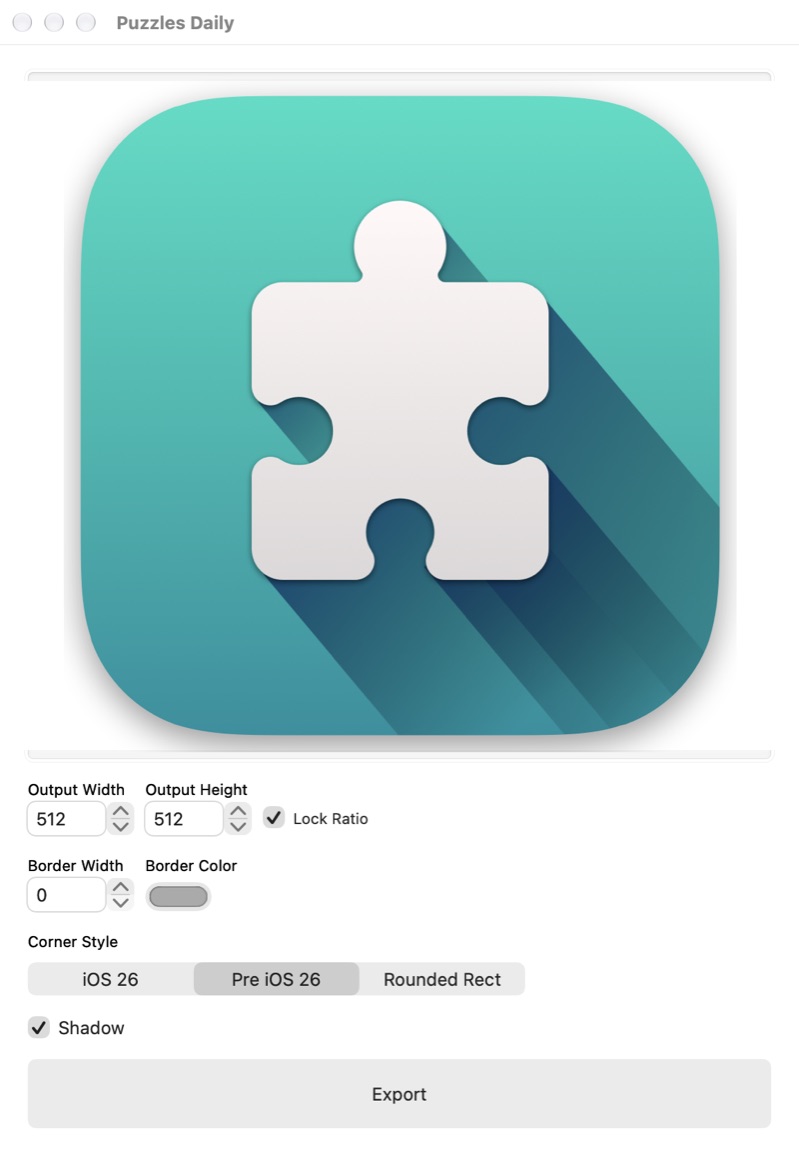
Classic corners, resized to 512 × 512
Get it
Buy it once
Squircle
$1.99 · £1.99, a one-off purchase
- No subscription
- Round as many images as you like
- Free updates through the Mac App Store
 Artwork with empty space round it? Ghost Crop trims the transparent edges off a whole folder of PNGs at once. See Ghost Crop →
Details
- Works onMacs with macOS 13 Ventura or later
- Version1.1, October 2025
- Price$1.99 (£1.99), a one-off purchase
- ReadsAny image your Mac can open, such as PNG, JPEG, HEIC and TIFF
- SavesPNG images with transparent corners
- SizeUnder 1 MB
- Made byBridgeTech Solutions, in the UK