
App Preview Video Converter
Turn one screen recording into App Store App Previews for every device. Each video is the exact size App Store Connect expects, 15 to 30 seconds long, at 30 frames per second, with the stereo audio track Apple requires.
 $4.99 · £4.99 · Buy once, no subscription
New in 1.8Apple Vision Pro, letterbox colours and a Shortcuts action
How it works
One recording in, every App Preview out
App Store Connect is fussy about App Previews, and its error messages don't say much. Record your app once, and the converter makes a video for each device that meets every rule.
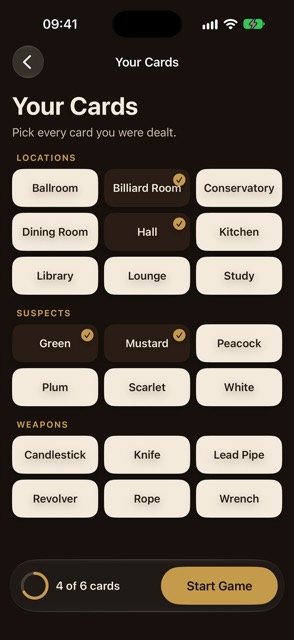
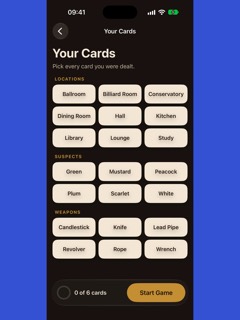
- Drop in a recordingFrom the Simulator, QuickTime or your iPhone, in most video formats.
- Trim to fitToo long? Trim it to 15–30 seconds without leaving the app.
- Pick the devicesOne video per App Preview size, up to Apple Vision Pro.
- Choose the barsWhere the shape differs, bars match your video's edges, or a colour you pick.
- ConvertEvery size at once. Finder opens on your previews.
- Or use ShortcutsThe Convert to App Previews action does it from Shortcuts or Spotlight.
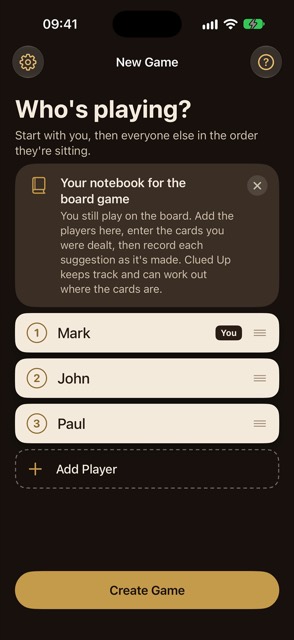
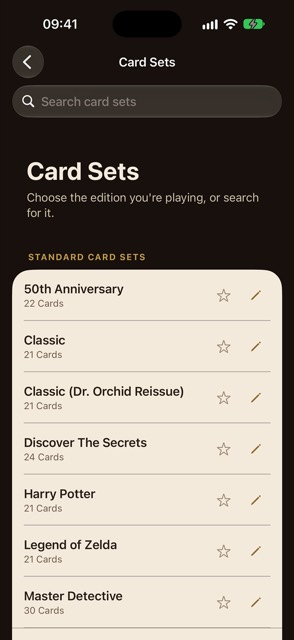
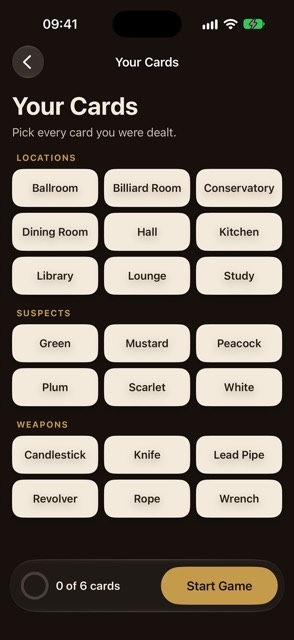
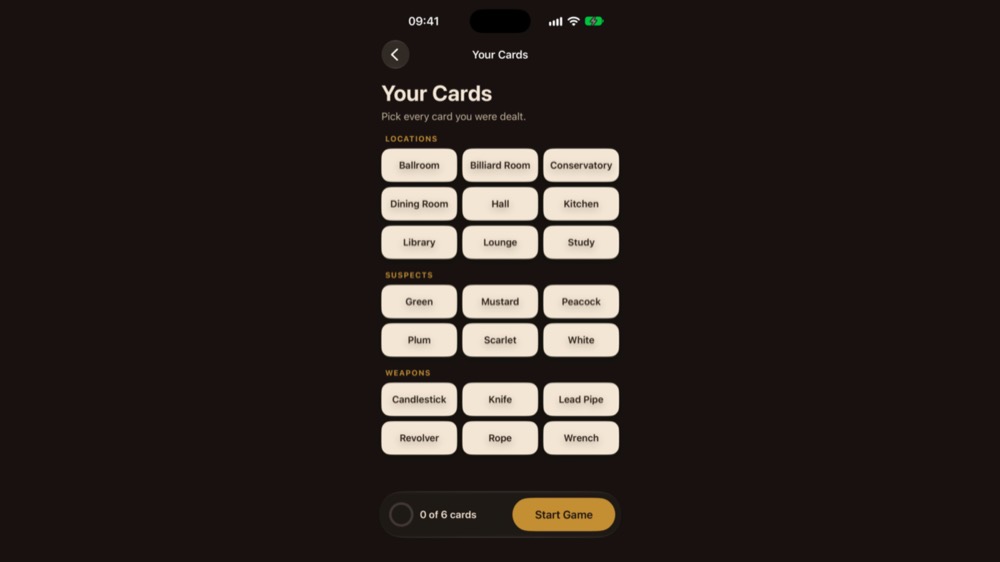
The recording is of Clued Up, and the frames in Finder are from the converter's real output.
What you get
A video for every App Preview size
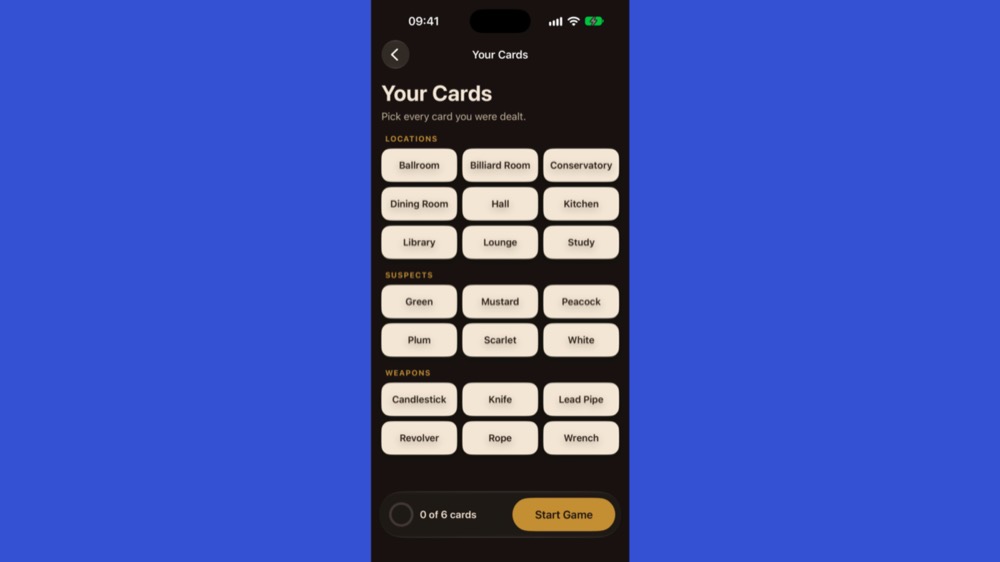
App Store Connect asks for App Previews in a handful of sizes, and each one covers several devices. These are the same moment from a 25-second Clued Up recording, as the converter made them.
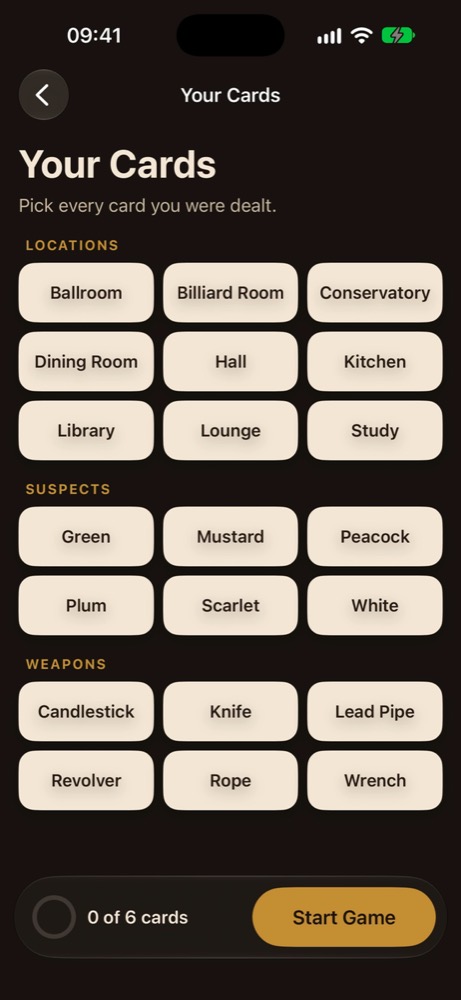
iPhone 6.9" / 6.5"886 × 1920
Every Face ID and Dynamic Island iPhone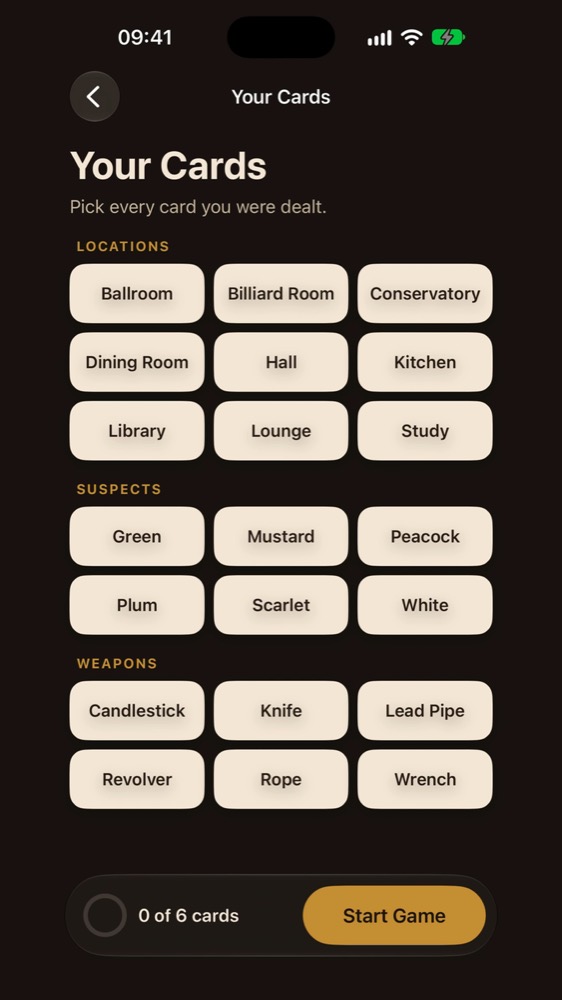
iPhone 5.5" / 4", Apple TV, Mac1080 × 1920
Or 1920 × 1080 for landscape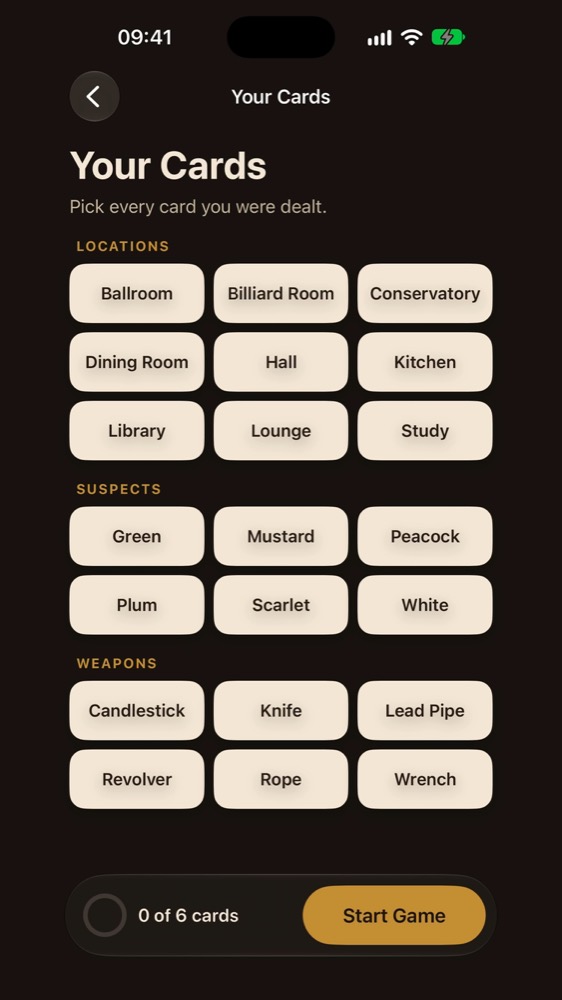
iPhone 4.7"750 × 1334
iPhone SE (2nd and 3rd generation) and iPhone 6 to 8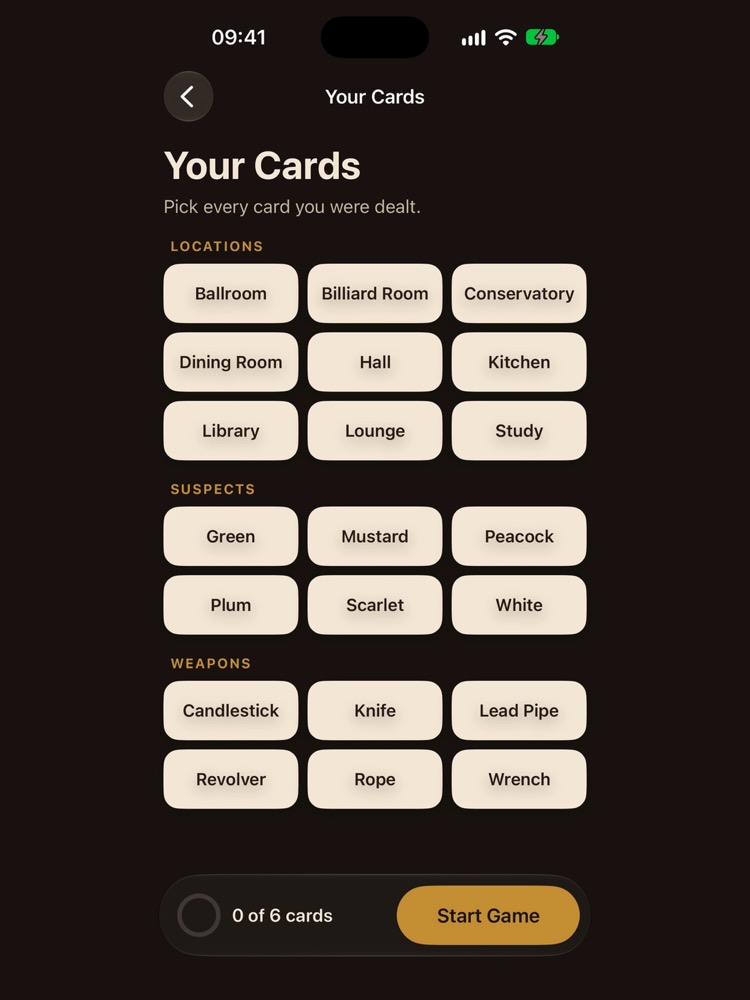
iPad 13" / 12.9"1200 × 1600
Also used for 11" and 10.5" iPads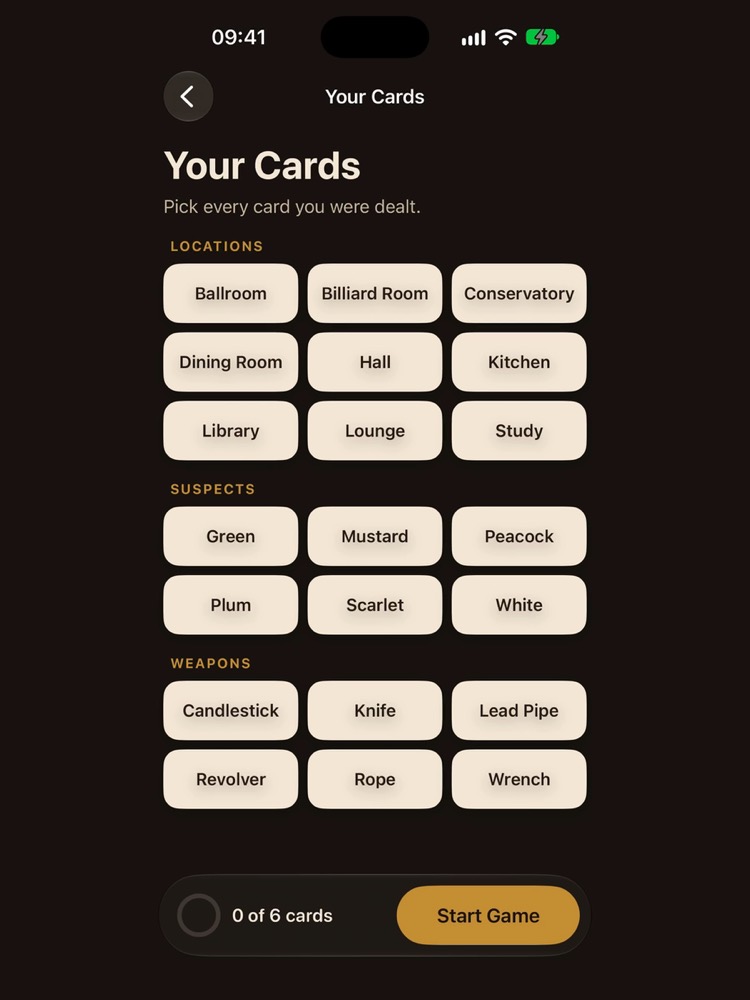
iPad 9.7"900 × 1200
iPads with a 9.7" display
Why it gets accepted
Every detail Apple checks, handled
- The exact sizesEach video is the pixel size App Store Connect expects for its devices, in the orientation you recorded. Hover over a device for the devices and sizes it covers.
- 15 to 30 secondsThe app checks the length before you start, and tells you exactly what to change. Trim right in the window.
- A steady 30 fpsRecordings at 60 or 120 fps are brought down to 30, and gaps from dropped frames hold the last frame, so the video keeps its length.
- H.264, with true coloursEncoded as H.264 at 11 Mbps (12 Mbps for Apple Vision Pro's 4K) and tagged Rec. 709, so colours stay right, Display P3 recordings included.
- Always an audio trackEvery audio track is mixed into one 256 kbps stereo AAC track. No sound at all? You get the silent track Apple insists on.
- Bars that blend inWhen the shape doesn't match, the picture is centred with even bars that match its edges, or a colour you choose. No stray black lines.
- Right way upPortrait videos stored with a rotation come out upright and at the right size.
- Every size at onceYour video is read once and the sizes encode side by side. Cancel at any time, and half-finished files are tidied away.
- Shortcuts and SpotlightThe Convert to App Previews action takes a video, devices, a start and a length, and hands back the finished files to your workflow.
A look inside
One small window
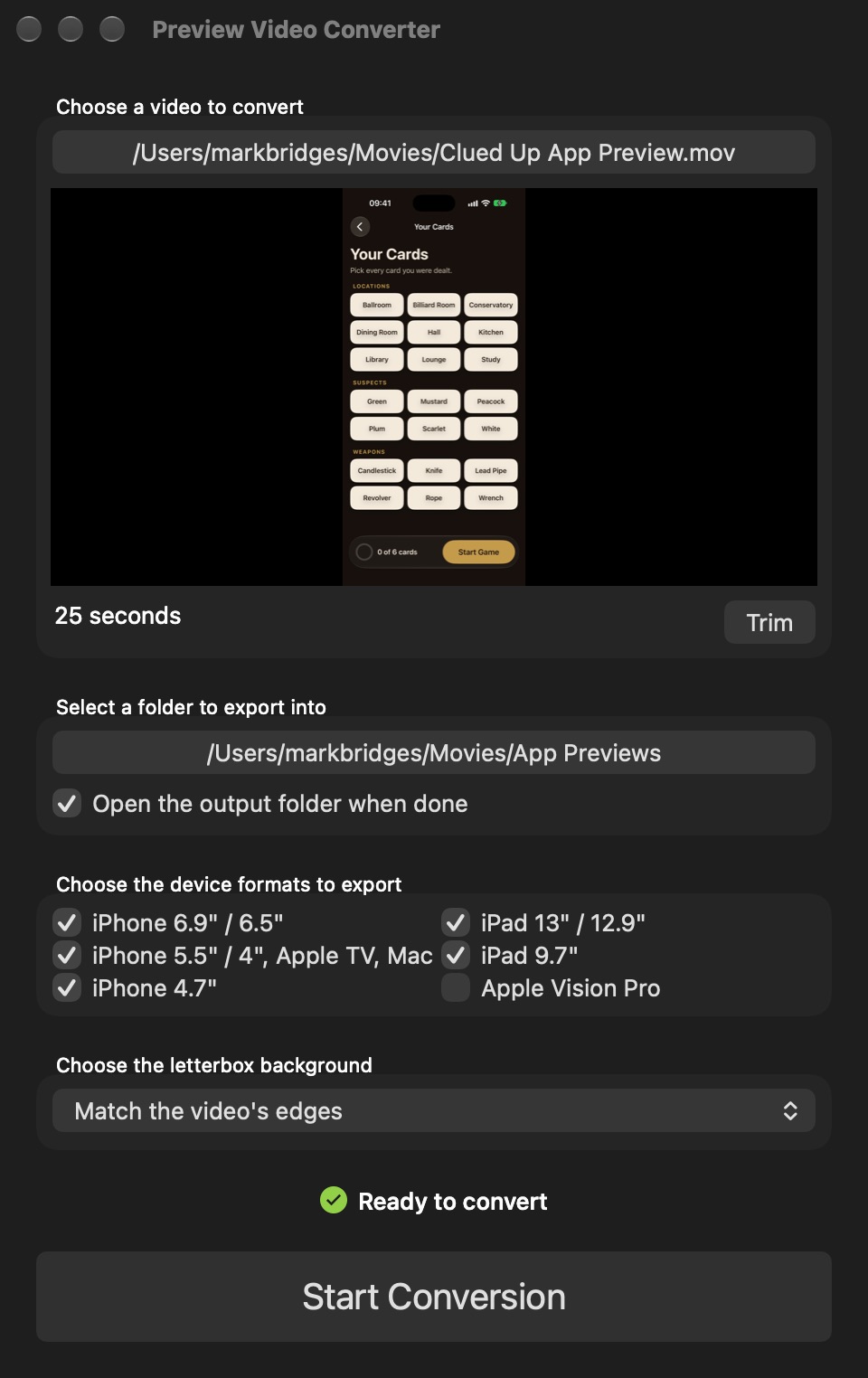
Everything is on one screen: the video and its trim, where to save, which devices, and the bars. It remembers your choices for next time.
Ready to convert, once every rule is met 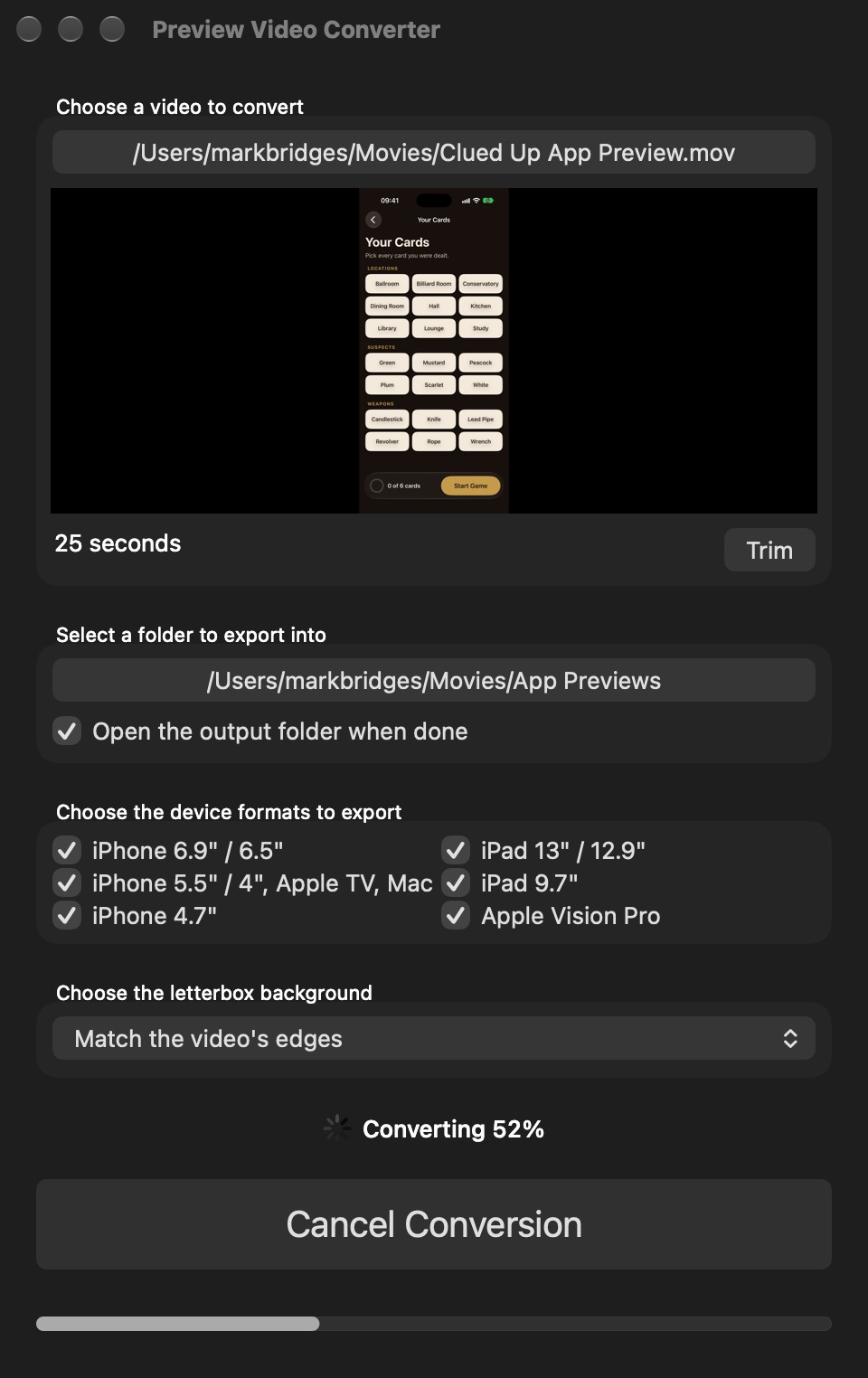
Converting, with a notification when it's done
Get it
Buy it once
App Preview Video Converter
$4.99 · £4.99, a one-off purchase
- No subscription and no watermark
- Free updates through the Mac App Store
- Convert as many videos as you like
 Need screenshots too? Screenshot Creator frames your app's screenshots, adds captions and exports every size App Store Connect asks for. See Screenshot Creator →
Details
- Works onMacs with macOS 14 Sonoma or later
- Version1.8, October 2026
- Price$4.99 (£4.99), a one-off purchase
- ReadsMost video formats your Mac can play, such as MOV, MP4 and M4V
- MakesH.264 MP4 videos with stereo AAC audio, one for each App Preview size you pick
- Made byBridgeTech Solutions, in the UK