Your daily editionRSS & Atom reader
News Widget
The feeds you choose, on your Home Screen. Read without the clutter, listen on the go, and keep reading offline.


Free on iPhone and iPad. No ads and no account.
How it works
From your Home Screen to the full story
The widget keeps the latest headlines in view. Tap one to read it, or have it read to you.
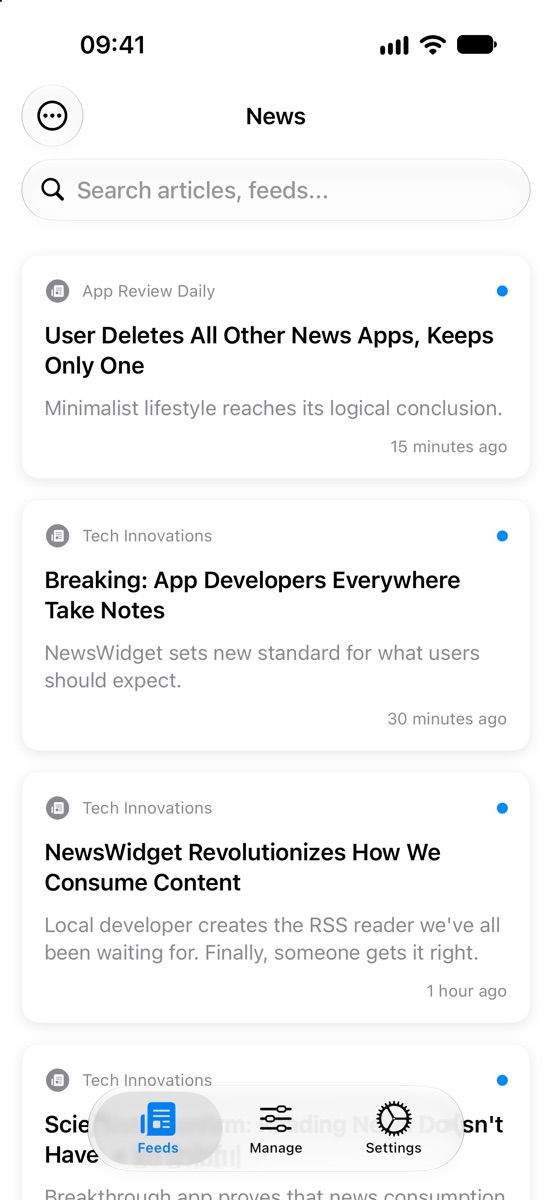

- Headlines at a glanceThe widget refreshes in the background, so the newest stories are waiting on your Home Screen.
- Tap to readArticles open in a clean reader, with the ads and clutter of the web page stripped away.
- Or listenRead Aloud speaks the article while you get on with something else, with a player to pause or stop.
- Even offlineArticles and their pictures are saved as they arrive, so they're still there on a plane or the Underground.
The headlines on this page are made up for the demo.
On your Home Screen
Three sizes of widget
Pick the one that suits your Home Screen. Tap a headline to jump straight to the story in the app.
Your sources
Start with a subject
Pick the subjects you like when you first open the app, and it fills your list from 59 hand-picked feeds. Change them any time.
- Technology
- News
- Business
- Science
- Sports
- Entertainment
- Design
- Development
- UK News
- Australian News
- Canadian News
- Nachrichten
- Actualités
- Noticias
- Notícias
Any RSS or Atom feed
Paste the address of any blog, newspaper or podcast feed and News Widget checks it's valid before adding it.Bring your list
Moving from another reader? Import your feeds in one go from an OPML file.Shared by readers
Search feeds other readers have shared, and share the good ones you find.
What's included
Everything a good reader needs
Reader or web
Read the clean, text-first version of an article, or switch to the full web page whenever you like.Read Aloud
Listen to any article. The player stays at the bottom of the screen while you browse.Offline reading
Stories and their images are saved as they arrive, ready for flights, tunnels and bad signal.Fresh in the background
Feeds update while you're away, with a quiet notification and a badge when there's something new.Search everything
Find any article or feed in a moment from the search bar at the top of your news.Made for iPad too
Your feeds and the article side by side on the bigger screen.
A look inside
Simple, clean and quick
All your stories in one place 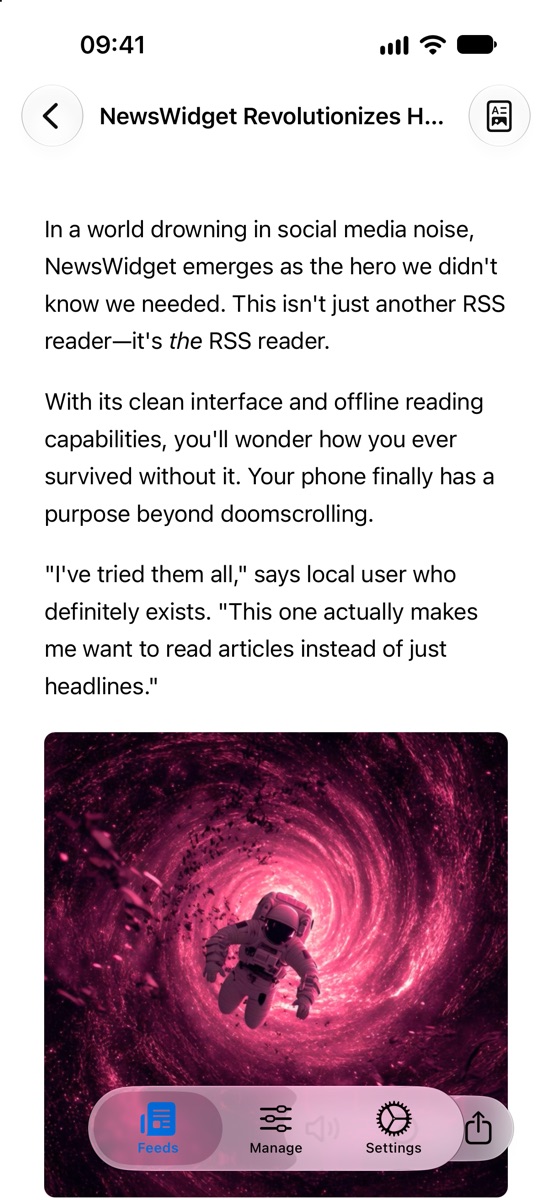
A clean reader 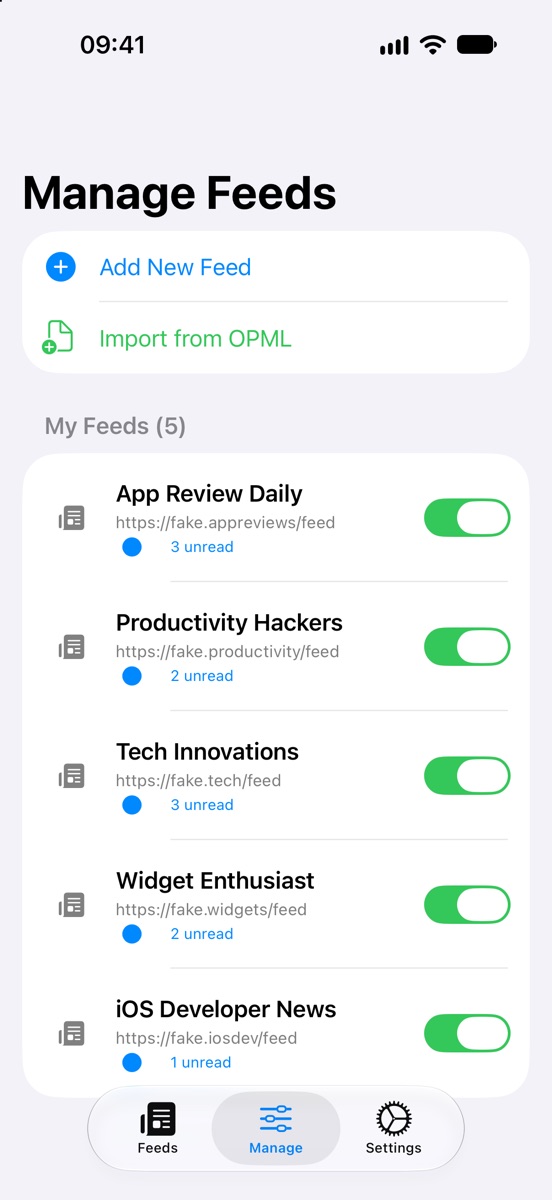
Manage your feeds 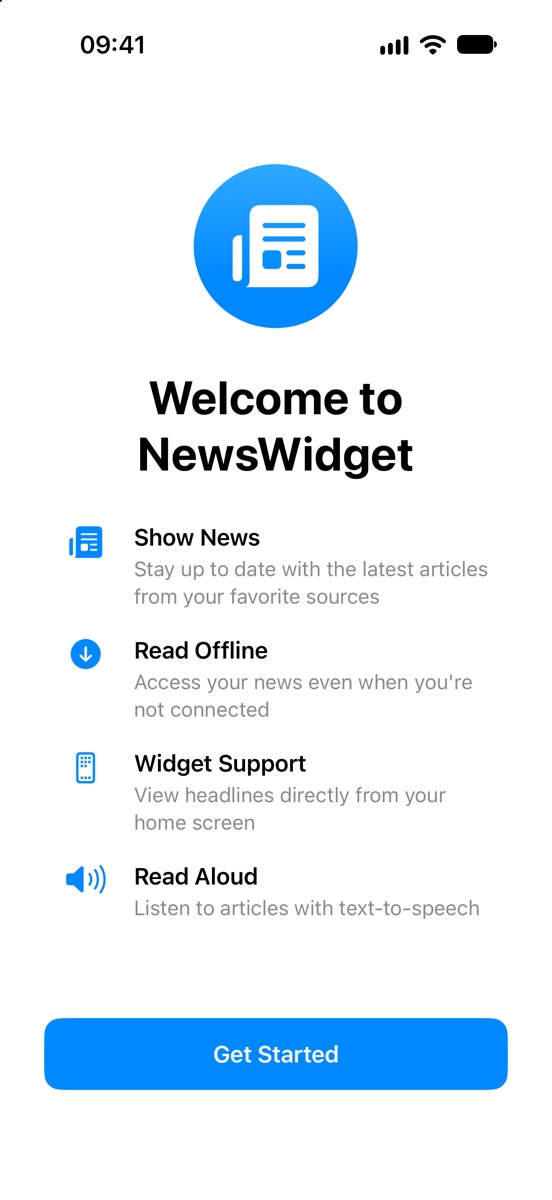
Set up in moments
Swipe for more
Details
- Works oniPhone and iPad with iOS 18.6 or later
- PriceFree, with no ads and no account
- FeedsAny RSS or Atom feed, plus OPML import
- WidgetsSmall, medium and large
- LanguageEnglish
- Made byBridgeTech Solutions, in the UK